
Metric 01
250+
guided sessions led
PRESENCE COACHING
Guided meditation, breathwork, and private coaching help you lower stress, stay present, and show up with a steadier mind.

Metric 01
guided sessions led
Metric 02
client rating
Metric 03
online, in person, team
HOW IT WORKS
One-on-one sessions to build calm, focus, and better stress habits.

60 min online
From $140
One-on-one sessions to build calm, focus, and better stress habits.

30 or 60 min
From $90

45 min online
From $120
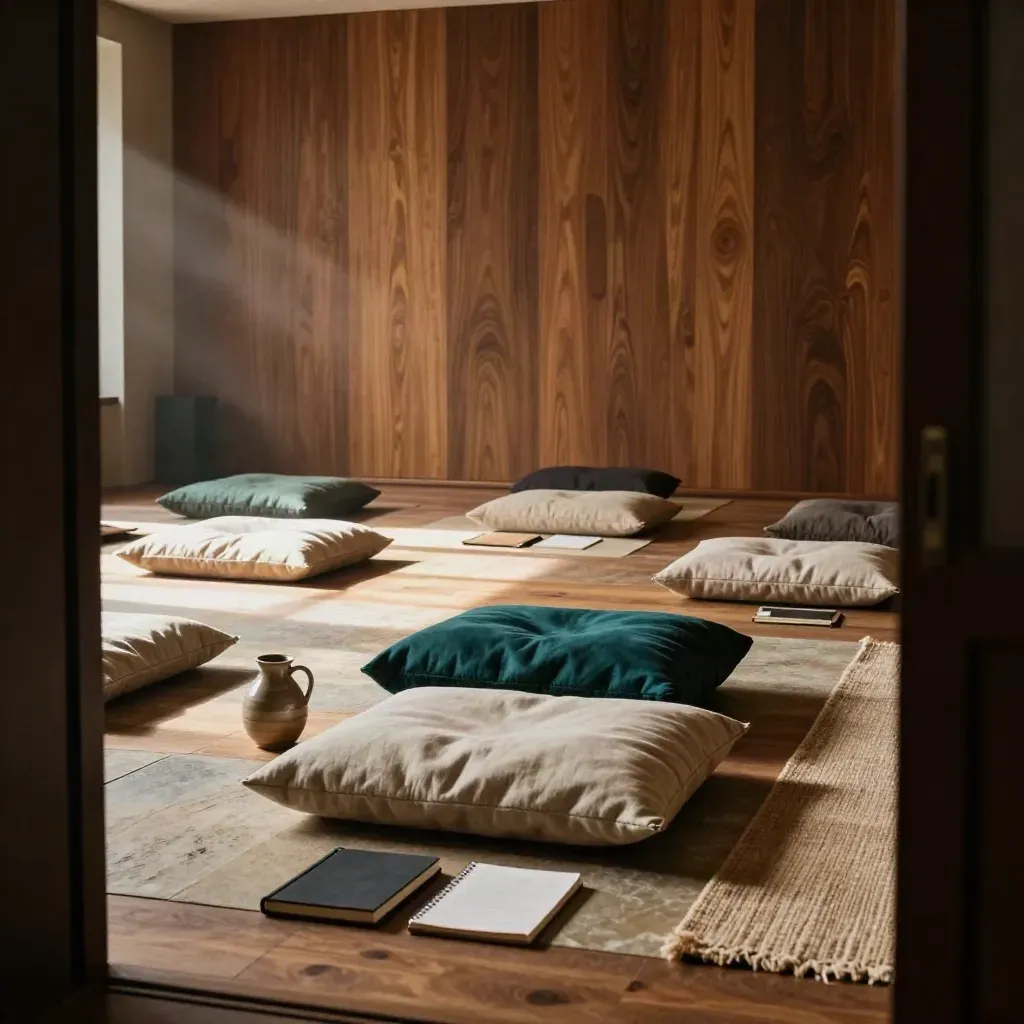
From $750
Live workshops for staff, leaders, and small groups.

From $45
Practical tools, audio guides, and notes for daily use.
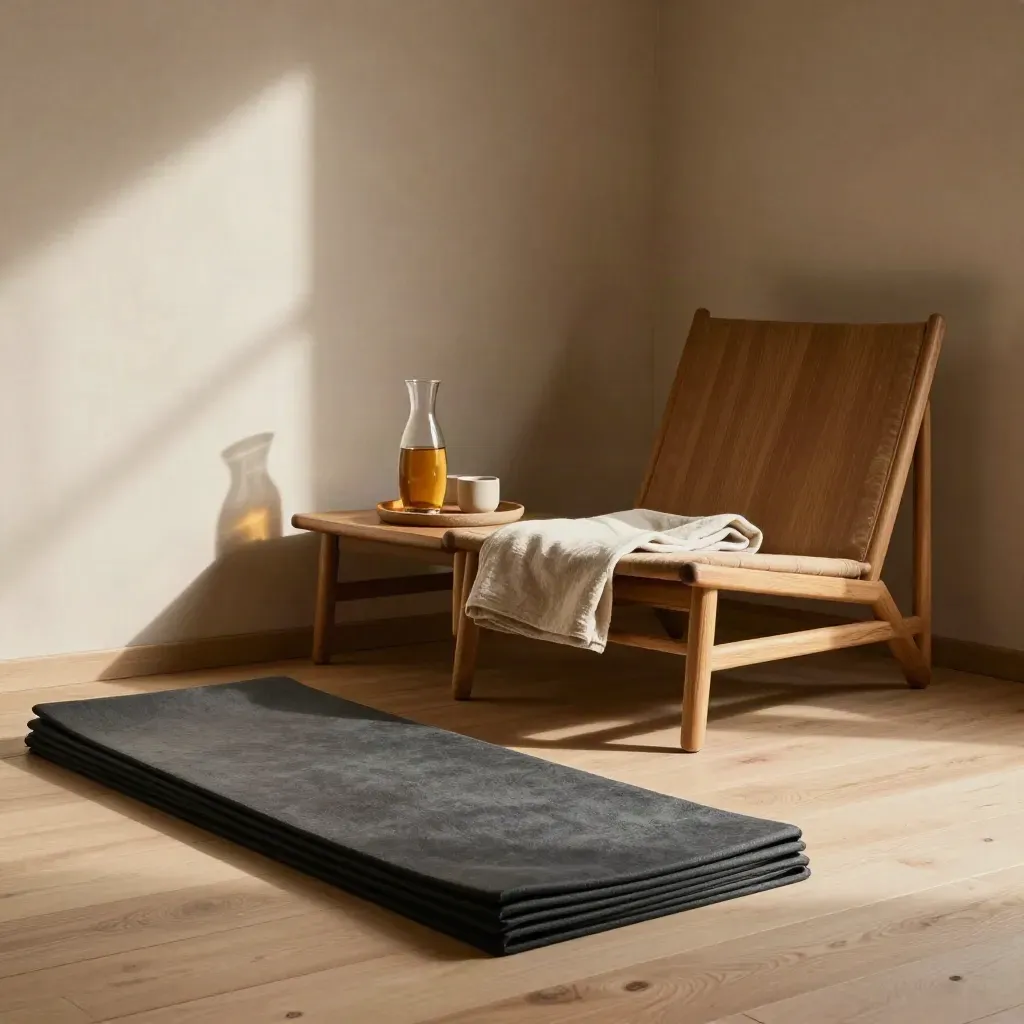
From $2,400/mo
Ongoing support for teams that need steady calm at work.
SERVICES
We talk about your needs, your schedule, and the kind of support that fits.




CASE STUDIES
One 60-min coaching call Guided meditation audio Simple stress log Text check-in twice weekly Session notes by email
From $499/mo
From $1,250/mo
From $3,800/mo
WHAT CLIENTS SAY
12 product leads used a 6-week reset plan before weekly reviews.
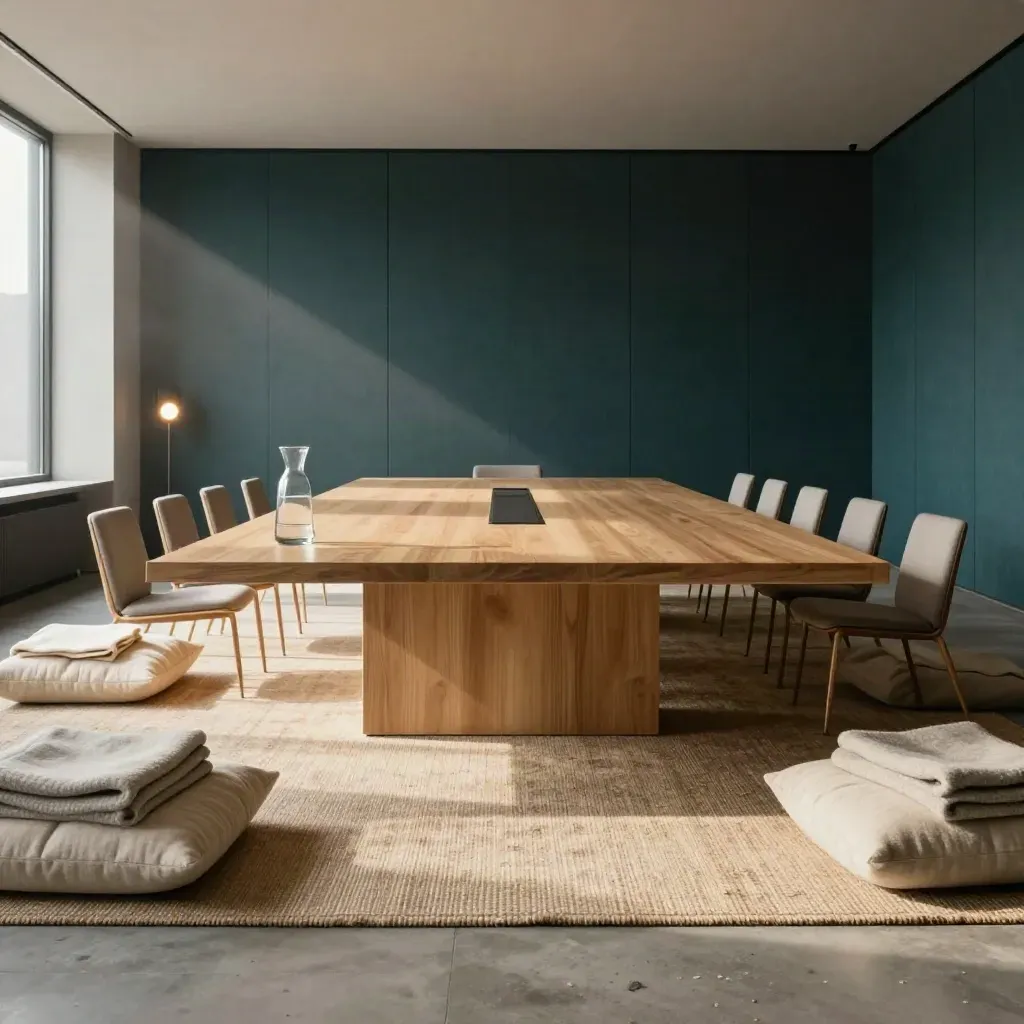
Tech
12 product leads used a 6-week reset plan before weekly reviews.
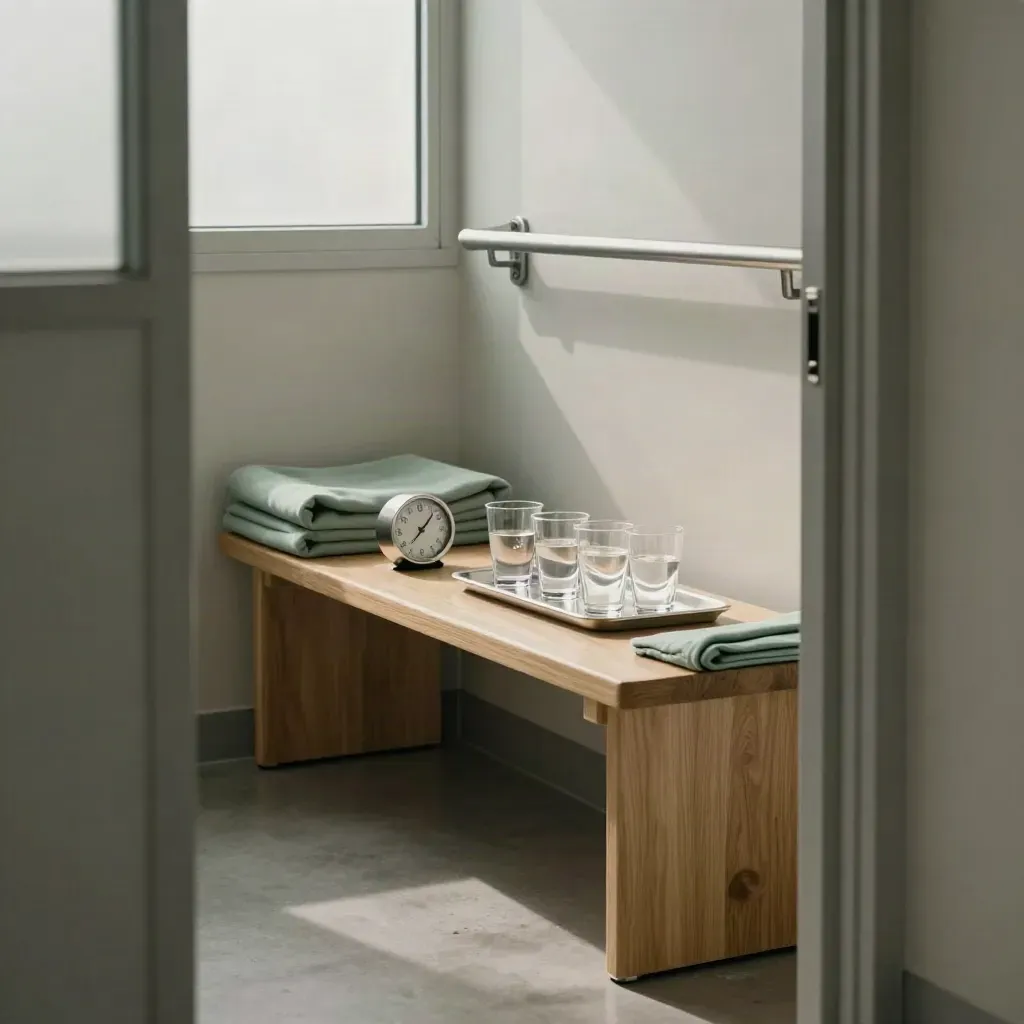
Healthcare

Startups
Education

Sales

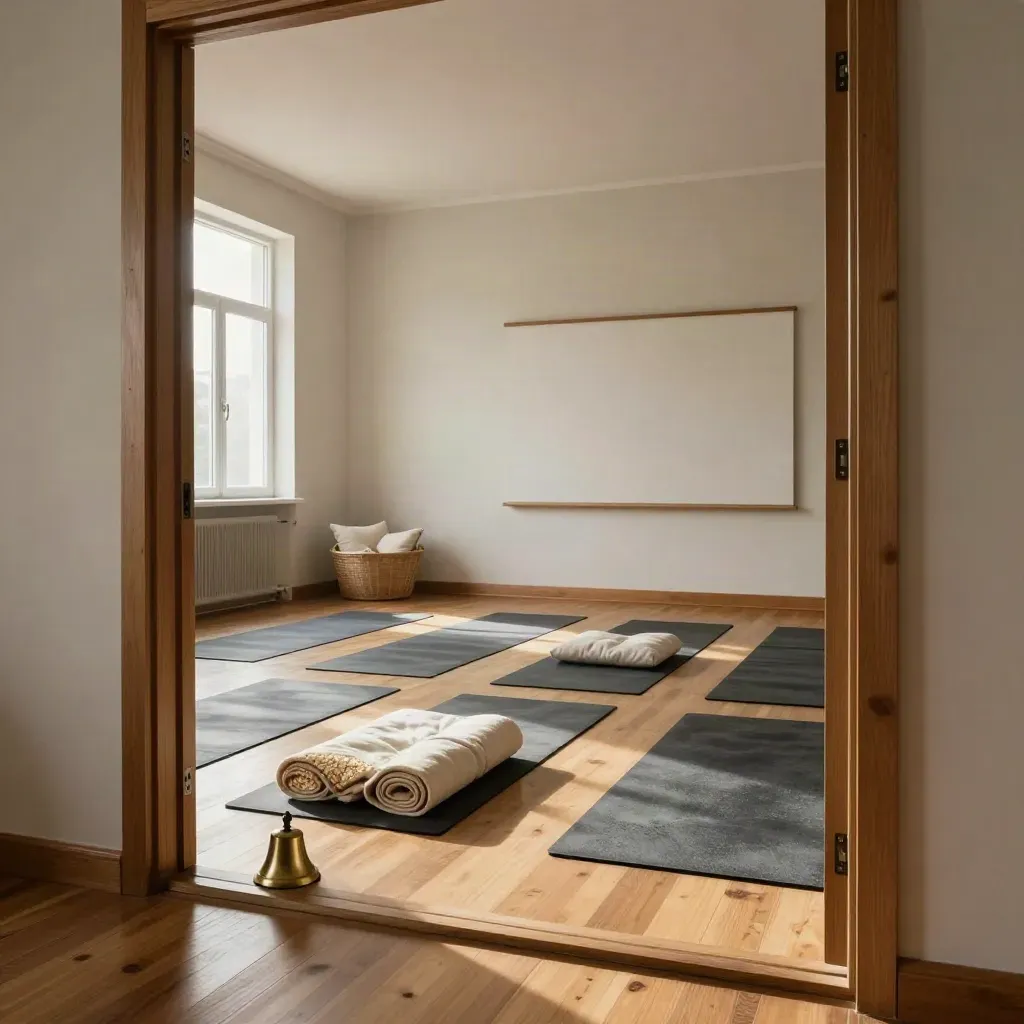
One-on-one calm plans

Short drills for busy days
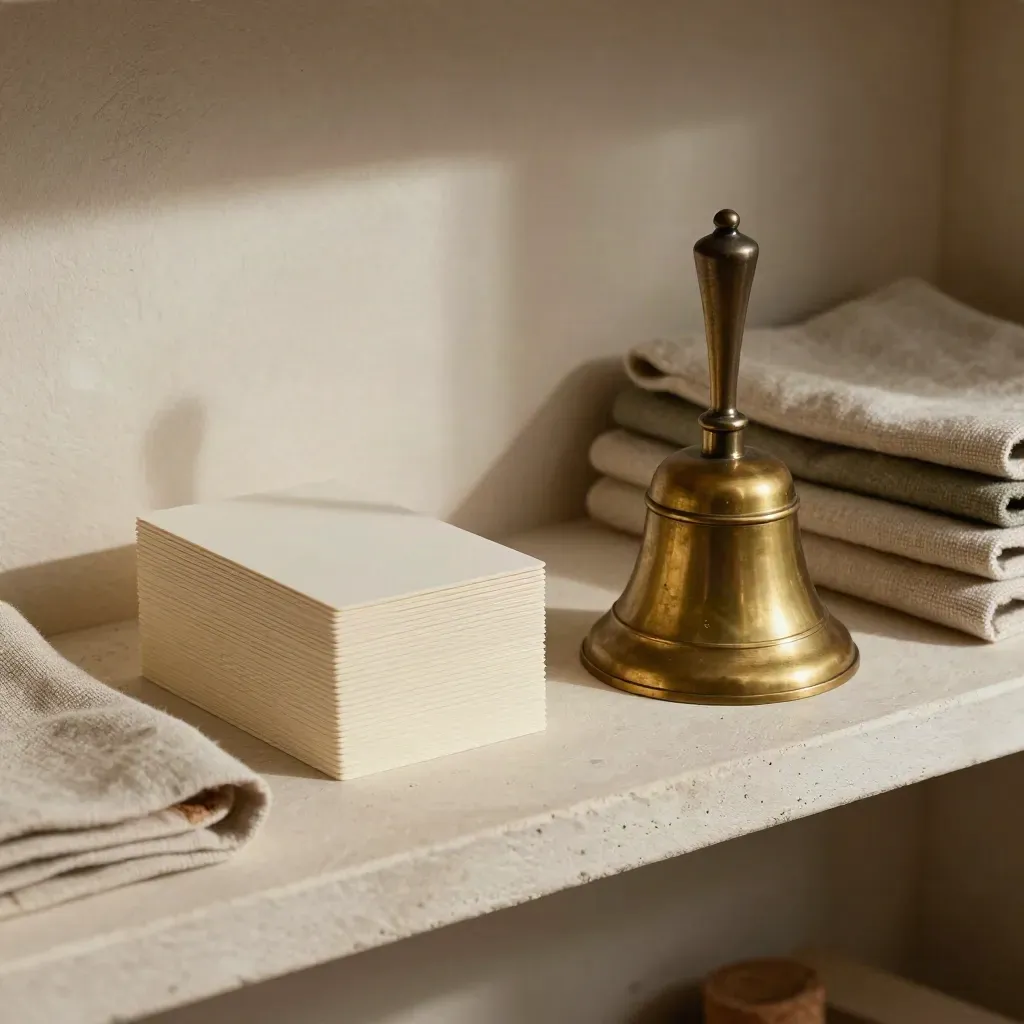
Team sessions and talks

Leader support and plans
Proof
“Our team left calmer and more focused after one workshop.”
Jenna Morales
Operations Lead, Northline Labs
“The weekly coaching helped me breathe before hard meetings.”
Derek Shaw
Founder, Harbor Street Studio
“Short tools made our staff huddles feel steady and clear.”
Priya Nair
HR Manager, Alder Clinic
Service area
Manhattan, Brooklyn, Queens, Jersey City, Newark

Area 01
Manhattan, Brooklyn, Queens, Jersey City, Newark

Area 02
Boston, Cambridge, Somerville, Newton, Brookline

Area 03
Washington, Arlington, Alexandria, Bethesda, Silver Spring

Area 04
New York, Boston, Chicago, Austin, Seattle
Journal



Questions
Quick answers before visitors choose a product, service, or next step.
Yes. We coach individuals, leaders, and teams with private sessions, workshops, or steady monthly support online or in person.
Both. We meet online across the US and in person in New York City for private coaching and team sessions.
We talk through your goals, stress points, and schedule, then map the best next step.
Yes. Breathwork is part of many sessions, with simple drills you can use before meetings, sleep, or big talks.
Yes. We lead talks and workshops for stress, focus, and healthy team habits, with time for questions.
Yes. We can set up one-time visits, monthly coaching, or a custom team plan based on your goals.
Get short notes on breathing, focus, and stress care, sent about once a month.